
Home › Perplexity course: 3 beginner lessons
Perplexity course: 3 beginner lessons
Last checked
What it does
An answer engine: you ask a question and get an answer with numbered sources you can check, plus Deep Research for longer reports.
Made by Perplexity AI, Inc..
Sign up and log in
- Open perplexity.ai or the Perplexity app.
- Ask a clear, specific question in plain language.
- Read the answer, then open the numbered sources to check them.
- Ask follow-ups in the same thread to narrow it down.
- Review Account settings → Preferences → “AI data retention” (see Privacy below).
Perplexity's “Getting started” help article could not be read on Oct 27, 2026 (the page blocked our request), so the getting-started steps above are general usage tips, not quotes from that article. The privacy and pricing facts are from the pages listed below.
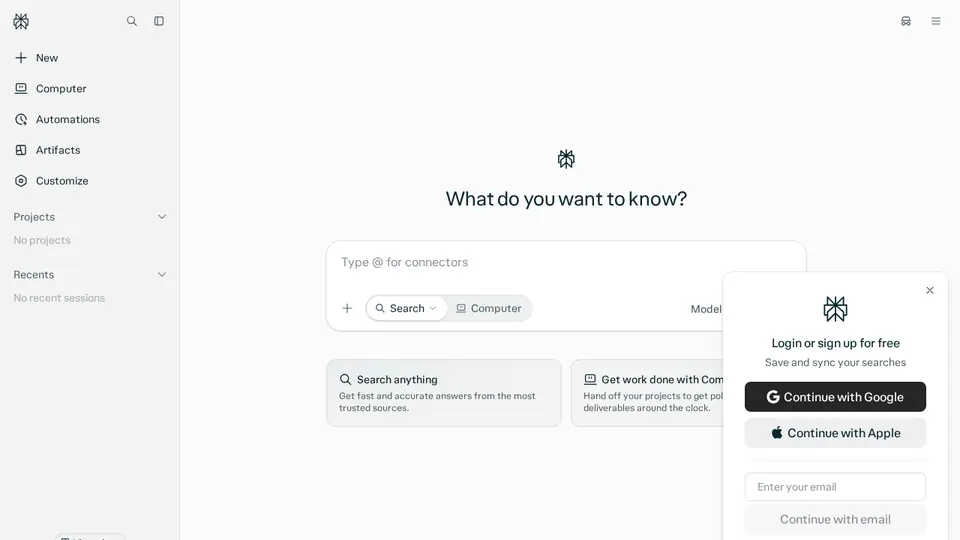
Steps from the official help pages listed in Lesson 1's sources.
Lesson 1: Get started
Perplexity is an answer engine: each answer comes with the sources it used, so you can check them.
- Get a cited quick answer
- Compare products with sources
- Run Deep Research
- Follow a topic over a thread
- Check a claim
Lesson 2: Organise research with Projects (formerly Spaces)
Projects (Perplexity's help center previously called them Spaces) group your searches with your own instructions and files, so answers use that context..
- Open Projects (or Spaces) in the left menu and create a new one.
- Give it a title, an optional description and custom instructions (tone, format, focus).
- Open the Files tab and add files or links to use as context.
- Ask questions inside it; answers can draw on your files and the web.
Lesson 3: Go deeper with Deep Research
Deep Research turns a question into a longer, sourced report.
- Choose Deep Research before you send your question.
- Ask one clear question and say who the report is for.
- Read the report, then open the key sources to check them.
- Ask follow-ups in the same thread, or ask for a table or slides.
Common beginner mistakes
- Not opening the sources: the citation is only useful if it actually says what the answer claims.
- Expecting a monthly Pro price on the pricing page: it shows $17/mo billed annually; the monthly-billing price isn't shown there.
- Asking vague questions: specific questions get more relevant sources.
Privacy
- Turning “AI data retention” off applies only to data collected afterwards; data already collected for training can't be removed.
- Data may still be processed to run the service, for legal compliance and for product improvement.
- Enterprise data is never used for training.
More: Is my data safe?
Also: Perplexity features and prices · Cost calculator · All tutorials