
Home › Meta AI course: 3 beginner lessons
Meta AI course: 3 beginner lessons
Last checked
What it does
A free assistant inside WhatsApp, Instagram, Messenger and Facebook, plus its own app, for quick answers, images and voice.
Made by Meta.
Sign up and log in
- Download the Meta AI app (not available in every country), or open Meta AI inside WhatsApp, Instagram or Messenger.
- Log in with a Meta account (Facebook, Instagram, email or phone) and choose a Meta AI username. Your Meta AI profile is public.
- Tap “Ask Meta AI…”, then type, or tap the mic to talk.
- Pick a mode (for example Instant or Thinking) and ask follow-ups.
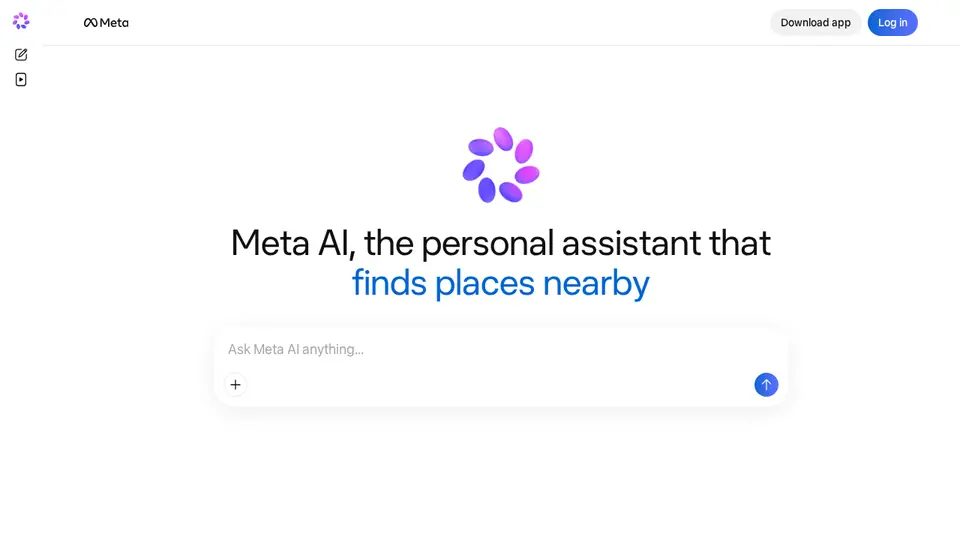
Steps from the official help pages listed in Lesson 1's sources.
Lesson 1: Get started
Meta AI is free and built into WhatsApp, Instagram, Messenger and Facebook, as well as its own app and Ray-Ban Meta glasses.
- Plan something in a group chat
- Make an image
- Read a PDF
- Ask with Thinking mode
- Talk it through by voice
Lesson 2: Use Meta AI in WhatsApp chats and make images
Meta AI can join your chats in WhatsApp, Messenger and Instagram.
- Open a WhatsApp chat or group and type @Meta AI, then select it.
- Describe what you want; for images, start with “imagine” or “create an image”.
- Ask for changes to the image in a follow-up.
- If you don't see Meta AI, it may not be available in your country, language or WhatsApp version.
Lesson 3: Manage your chats and data
Meta says it uses your interactions with its AIs to improve AI at Meta.
- In the Meta AI app: Menu → Settings → Data & privacy → Manage your information.
- Delete individual chats, or delete all chats and media.
- Remember your Meta AI profile and username are public.
- Read Meta's page on developing and improving AI for the choices available where you live.
Common beginner mistakes
- Sharing private details: Meta says it uses your AI interactions to improve AI at Meta, and we found no general training opt-out in the app.
- Expecting unlimited use: Meta AI is free with a daily limit; when you reach it you wait for it to refresh or upgrade.
- Assuming deleting chats removes public posts: deleting chats and media doesn't delete public posts.
Privacy
- Meta may share messages with select partners when Meta AI can't answer.
- In some countries (Meta describes this right under GDPR for the EU and UK) you can object to your AI interactions and public posts being used to develop AI at Meta, using a form while logged in.
- Paid Meta One plans are in limited testing; prices aren't published.
More: Is my data safe?
Also: Meta AI features and prices · Cost calculator · All tutorials