
Home › Grok course: 3 beginner lessons
Grok course: 3 beginner lessons
Last checked
What it does
An assistant for chat, research that mixes the web with live X posts, file analysis, voice, and image and video creation.
Made by SpaceXSI. SpaceXSI's own docs describe Grok as “SpaceXSI's assistant”.
Sign up and log in
- Open grok.com in a browser or install the Grok app for iOS or Android.
- Sign in so conversations, settings and subscription sync across devices.
- Ask a question or brainstorm; you can also talk by voice or upload PDFs, images and spreadsheets.
- Ask follow-ups to dig deeper, and verify important answers.
- Review the data setting before sharing anything sensitive (see Privacy below).
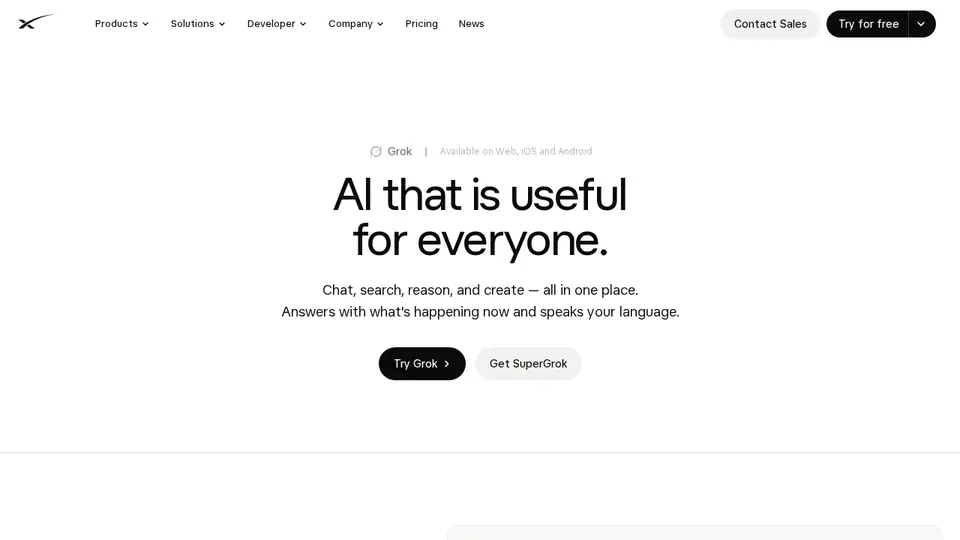
Steps from the official help pages listed in Lesson 1's sources.
Lesson 1: Get started
Grok is SpaceXSI's assistant ().
- Track a live topic with DeepSearch
- Analyse a spreadsheet
- Brainstorm by voice
- Make an image
- Ask privately
Lesson 2: Analyse files and connect your apps
Grok can read files you upload (PDFs, images, spreadsheets, code, audio and more) and, with Connectors, reach your email, files and calendar inside a chat..
- Sign in at grok.com or in the app so files and settings sync.
- Upload a file in the chat and say exactly what you want from it.
- Ask for extraction (“list every date and amount”) or a summary, then follow up.
- To use your own apps, set up Connectors from Grok's Connectors help page and approve access.
Lesson 3: Research live topics and create images
DeepSearch combines web results with live posts on X, which helps with news and trends.
- Ask a question about something happening now and choose DeepSearch.
- Ask Grok to separate confirmed facts from opinions and to list sources.
- For visuals, describe the image or video you want in Grok Imagine.
- Refine with follow-ups (style, framing, colours) rather than starting over.
Common beginner mistakes
- Assuming the opt-out covers feedback: feedback you send may still be used.
- Using Grok logged out in regions where there is no opt-out (outside the EU/UK, per SpaceXSI's FAQ).
- Forgetting paid usage is shared with Cursor under The X Subscription.
- Treating trending posts as confirmed facts: check the linked sources.
Privacy
- With “Improve the model” off, new conversations aren't used for training.
- Deleted conversations are removed within 30 days, with exceptions for de-identified data or safety/legal reasons.
- Business and enterprise content isn't used for training.
More: Is my data safe?
Also: Grok features and prices · Cost calculator · All tutorials