
Home › Grok tutorial for beginners
Grok tutorial for beginners
Last checked
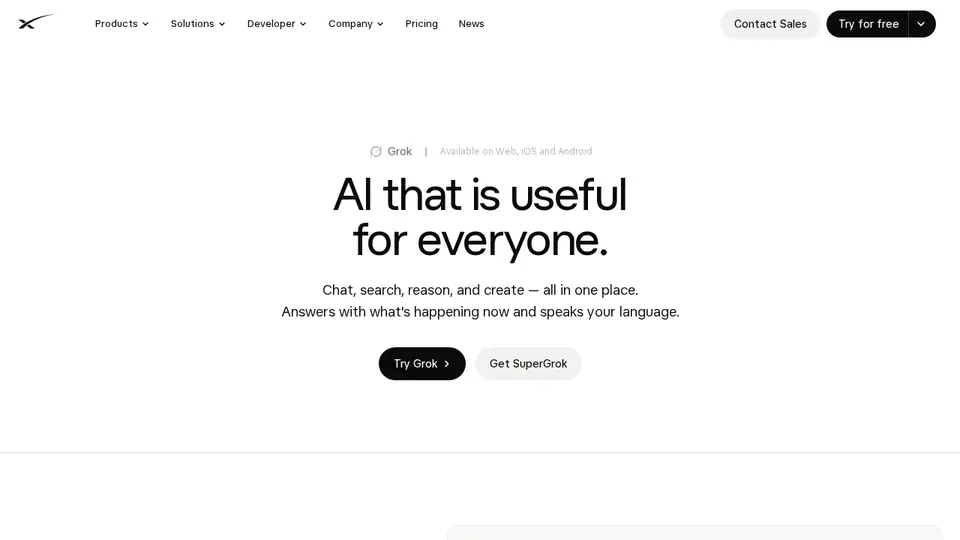
Grok is SpaceXSI's assistant (). Its DeepSearch combines web results with live posts on X, which suits fast-moving news and trends. Paid plans are part of The X Subscription, which shares one usage pool with Cursor.
Grok features and prices · Cost calculator · All tutorials
Get started
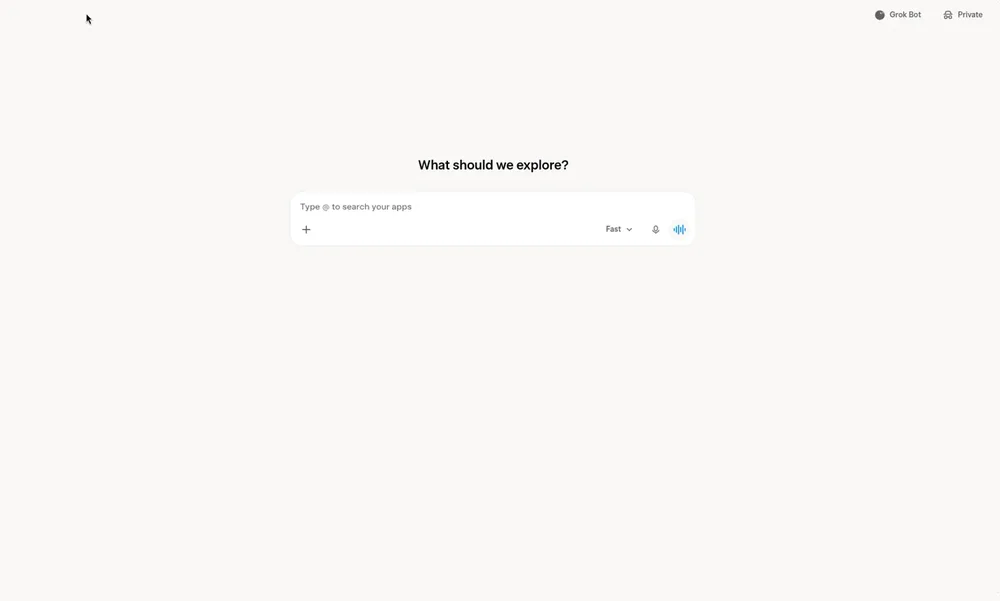
- Open grok.com in a browser or install the Grok app for iOS or Android.
- Sign in so conversations, settings and subscription sync across devices.
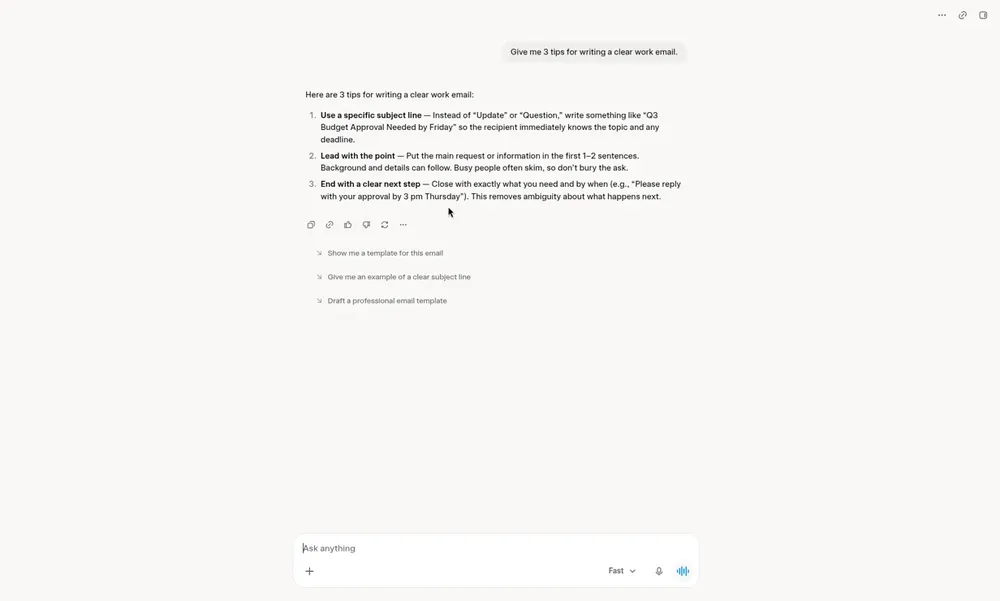
- Ask a question or brainstorm; you can also talk by voice or upload PDFs, images and spreadsheets.
- Ask follow-ups to dig deeper, and verify important answers.
- Review the data setting before sharing anything sensitive (see Privacy below).
Free plan, paid plans and prices (US$)
- Free: Free. Daily Grok access with limited usage (chat, image generation, Grok Build); standard X (source, checked Nov 5, 2026)
- Plus: US$8/mo. Entry tier of The X Subscription: shared usage pool across Grok and Cursor; Grok Chat, Voice, Imagine and Build; Grok API access; Cursor; X Premium checkmark (source, checked Nov 5, 2026)
- Premium: US$30/mo. 4x Plus usage; Grok Bot; latest Grok models; image & video generation; code hosting & AI code reviews; cloud agents & automations; third-party models in Cursor billed separately (source, checked Nov 5, 2026)
- Super: US$100/mo. 15x Plus usage; priority model access at peak times (source, checked Nov 5, 2026)
- Ultra: US$200/mo. 50x Plus usage; earliest access to new products and models (source, checked Nov 5, 2026)
- Teams: From $30/seat/mo. Premium, Super or Ultra seats at $30/$100/$200 per seat per month; mix seat tiers; SSO, admin, usage analytics. Existing SuperGrok plans continue for current subscribers (source, checked Nov 5, 2026)
Prices from the vendor's official pages on the dates shown; before tax and subject to change. Add up seats and plans with the cost calculator.
Your first 5 tasks, with example prompts
- Track a live topic with DeepSearch
Use DeepSearch: what are people on X and news sites saying today about the new transit fare changes in my city? Separate facts from opinions and list sources.
DeepSearch uses the web plus live X posts. - Analyse a spreadsheet
Here is my monthly budget spreadsheet. Which three categories grew the most since January, and by how much?
File uploads include PDFs, images and spreadsheets. - Brainstorm by voice
Let's brainstorm 10 names for a dog-walking business. Ask me two questions about my area first.
Voice is available in the app. - Make an image
Create a poster-style image of a lighthouse at sunset in a flat, vintage travel-poster style.
Image generation is included with limited use on Free. - Ask privately
Use Private Chat: explain the common side effects of starting a new medication and what to ask my pharmacist.
Private Chat isn't used for training and is deleted within 30 days.
Settings worth changing
- Grok app: Settings → Data Controls → “Improve the model”. On grok.com: Settings → Data → “Improve the Model”.
- Use Private Chat for sensitive topics.
- Grok inside X follows X's own settings, so check those separately.
Common beginner mistakes
- Assuming the opt-out covers feedback: feedback you send may still be used.
- Using Grok logged out in regions where there is no opt-out (outside the EU/UK, per SpaceXSI's FAQ).
- Forgetting paid usage is shared with Cursor under The X Subscription.
- Treating trending posts as confirmed facts: check the linked sources.
Privacy notes
- With “Improve the model” off, new conversations aren't used for training.
- Deleted conversations are removed within 30 days, with exceptions for de-identified data or safety/legal reasons.
- Business and enterprise content isn't used for training.
More detail: Is my data safe?
When to pick another tool
- Want citations front and centre? See Grok vs Perplexity.
- Comparing general assistants? See ChatGPT vs Grok and Gemini vs Grok.
Tasks where Grok is listed: Real-time trend tracking · Analyze a spreadsheet · Voice brainstorming · Generate an illustration · Trend-aware post ideas.
Sources (official pages)
Written from the vendor's official documentation and pricing pages; we don't run hands-on tests. Features vary by plan, country and device.