
Home › Gemini course: 3 beginner lessons
Gemini course: 3 beginner lessons
Last checked
What it does
Google's assistant for questions, writing, Deep Research reports, custom Gems and voice chats, connected to Google apps if you allow it.
Made by Google.
Sign up and log in
- Go to gemini.google.com or install the Gemini app (Google Play or the App Store).
- Sign in with a personal Google Account (13+, or your country's minimum age). Some features work signed out.
- Type or speak a question in the prompt box.
- Ask follow-ups in the same chat to adjust the answer.
- Open Settings & help → Activity to decide whether to keep activity (see Privacy below).
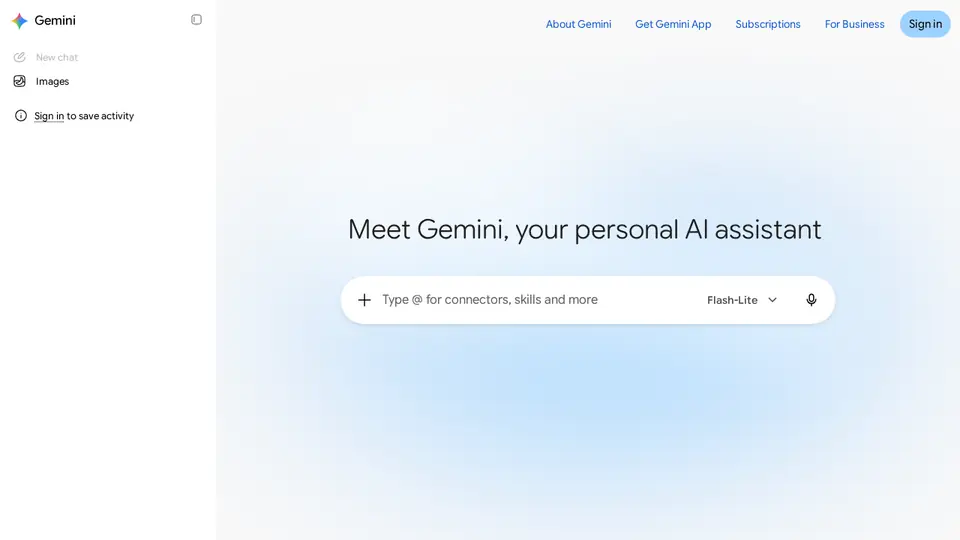
Steps from the official help pages listed in Lesson 1's sources.
Lesson 1: Get started
Gemini is Google's assistant.
- Run Deep Research
- Draft in Canvas
- Make a Gem
- Hear an Audio Overview
- Practise by voice with Gemini Live
Lesson 2: Create your own Gem
A Gem is a custom version of Gemini with your instructions and, optionally, your files.
- On a computer, go to gemini.google.com and open the sidebar.
- Click Gems (first time: Settings and help → Gems), then New Gem.
- Enter a name and instructions. Google suggests covering persona, task, context and format.
- Optional: under Knowledge, click Add files to upload files or add them from Google Drive.
- Try a prompt in the preview on the right, then click Save (preview alone doesn't save).
Lesson 3: Run a Deep Research report
Deep Research turns one question into a research plan, browses for you and writes a report with sources.
- Go to gemini.google.com and sign in (you must be 18 or older).
- In the text box, select Deep Research.
- Optional: add files, or choose sources such as Gmail or Drive.
- Type your research question and send it.
- Review the research plan, edit it if needed, then choose Start research.
- Come back in about 5–10 minutes and open the finished report.
Common beginner mistakes
- Pasting confidential details while Keep Activity is on: some chats are read by human reviewers.
- Deleting activity and assuming reviewed chats are gone: those are kept up to 3 years.
- Turning Keep Activity off and wondering why some Connected Apps (e.g. Workspace) stopped working.
- Expecting video generation on Free: it starts with Google AI Plus ($4.99/mo).
Privacy
- While Keep Activity is on, Google uses your chats to improve its services, including training AI models.
- With it off, future chats aren't used for training unless you send feedback, but are kept with your account for 72 hours.
- Temporary chats aren't used to train Google's AI models.
More: Is my data safe?
Also: Gemini features and prices · Cost calculator · All tutorials