
Home › ChatGPT tutorial for beginners
ChatGPT tutorial for beginners
Last checked
ChatGPT is OpenAI's general assistant. Beyond chat it includes Work (an agent for long, multi-step tasks) and Codex (a coding agent). Most beginners start with writing, explaining and summarising, then move on to files, images and research.
ChatGPT features and prices · Cost calculator · All tutorials
Get started
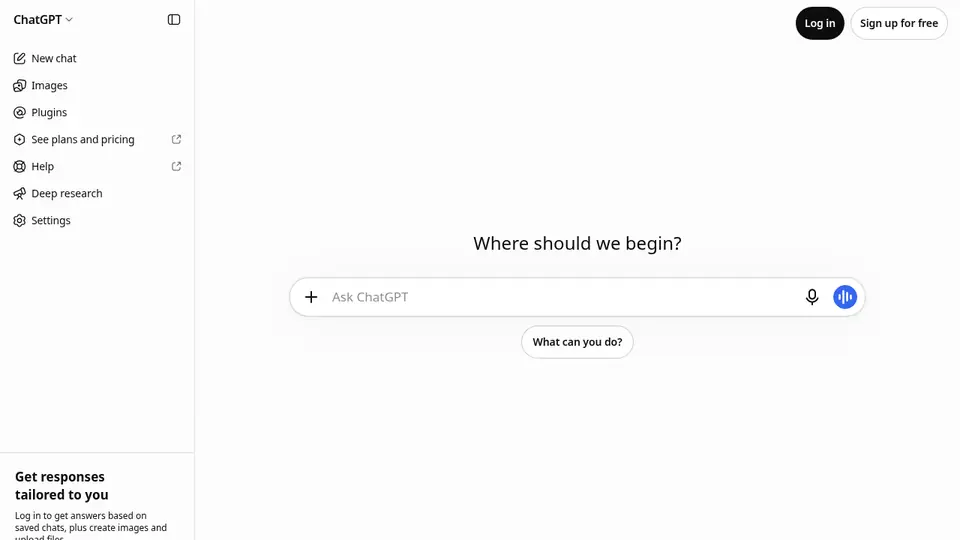
- Open chatgpt.com in a browser or install the official ChatGPT app from your phone's app store.
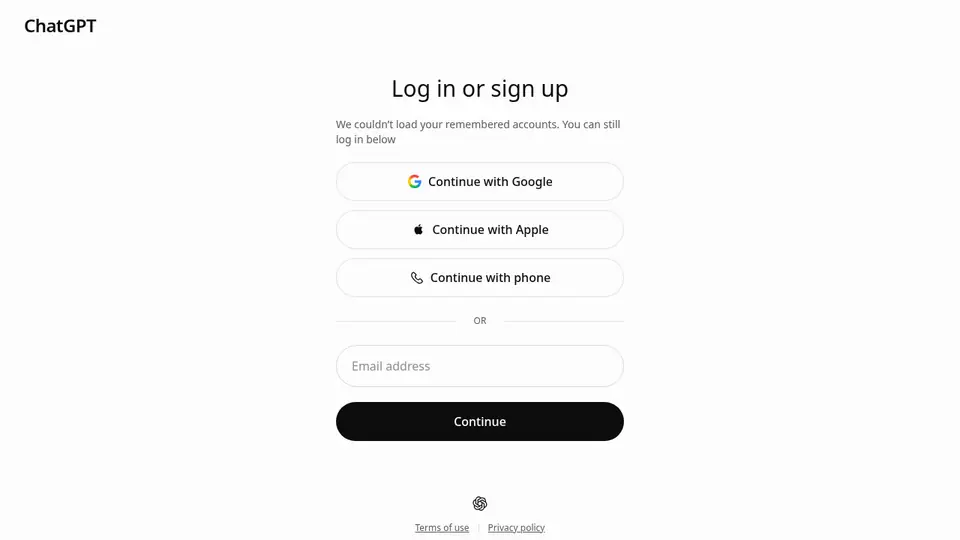
- You can try it without an account in supported regions; creating an account saves your chat history and unlocks more settings.
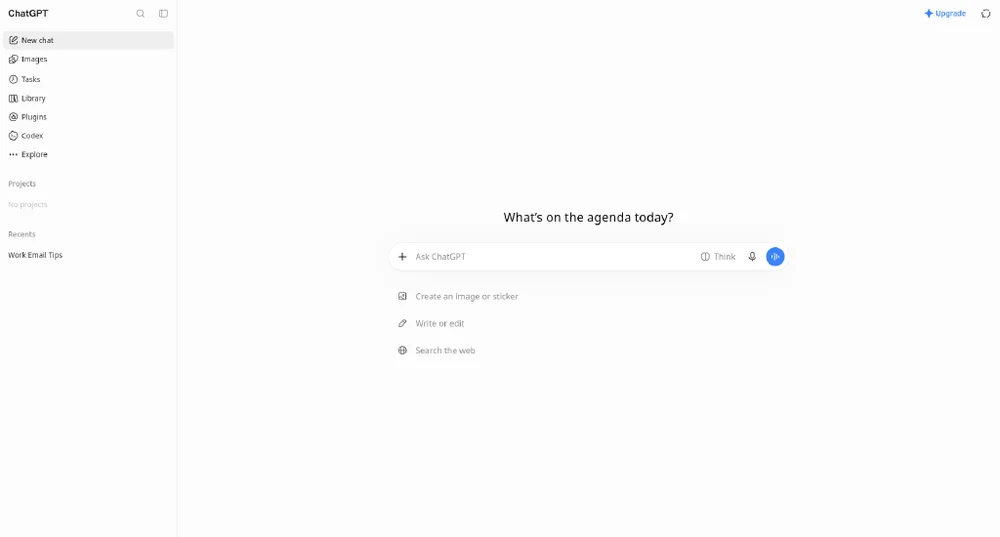
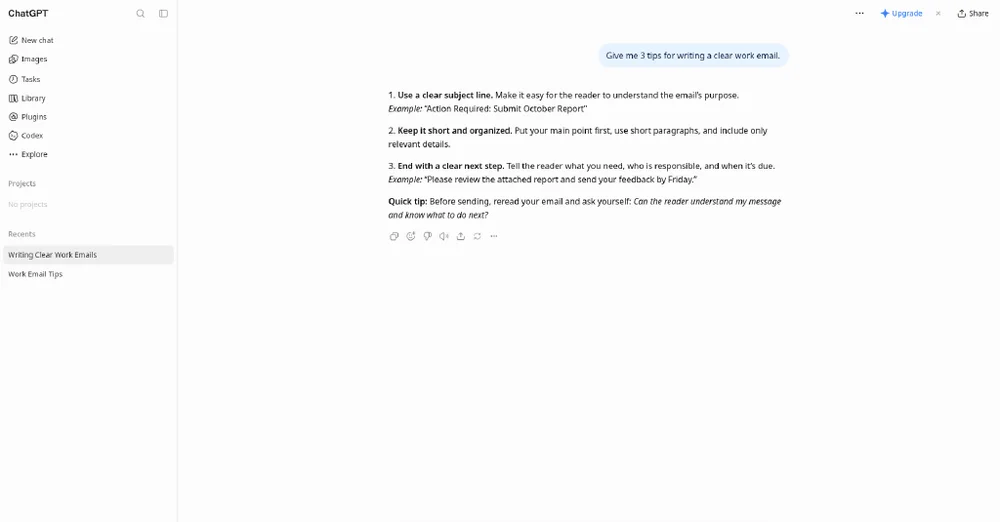
- Type your request in the message box. Say who it's for, the format and the length you want.
- Reply with follow-ups (“shorter”, “as a table”, “simpler words”) instead of starting over.
- Before sharing anything personal, open Settings → Data controls (see Privacy below).
Free plan, paid plans and prices (US$)
- Free: Free. Unlimited text chats (abuse guardrails); limited uploads, image creation, voice, deep research, Codex and Work (desktop) (source, checked Nov 5, 2026)
- Go: $8/mo in the US (may include ads). More messages, uploads, images, voice; longer memory; scheduled tasks; may include ads (source, checked Nov 5, 2026)
- Plus: $20/mo (billed monthly). Advanced reasoning models, expanded deep research, projects, scheduled tasks, custom GPTs, Codex, Work on desktop/web/mobile (source, checked Nov 5, 2026)
- Pro: $100, $200 or $500/mo (Pro 100/200/500; monthly billing only). 3 monthly plans: Pro 100 $100, Pro 200 $200, Pro 500 $500 (only Pro 500 includes Ultrafast); longer Codex & Work sessions; maximum deep research; 128K instant context; Dot always-on agent; no annual billing (source, checked Nov 5, 2026)
- Business / Enterprise: check vendor. Admin, SSO, compliance; annual billing for Business & Enterprise (source, checked Nov 5, 2026)
Prices from the vendor's official pages on the dates shown; before tax and subject to change. Add up seats and plans with the cost calculator.
Your first 5 tasks, with example prompts
- Rewrite a message for tone
Rewrite this email so it sounds friendly but firm. Keep it under 120 words and keep the dates exactly as written: [paste email]
Text chats are unlimited on Free (with abuse guardrails). - Summarise a document
Summarise the attached PDF in 5 bullets for a busy manager, then list 3 questions it leaves unanswered.
File uploads are limited on Free and expanded on paid plans. - Make an image
Create a simple flat illustration of a bicycle shop storefront for a flyer, bright colours, no text.
Image creation is limited on Free. - Run a deep research report
Research the main differences between heat pumps and gas furnaces for a 3-bedroom house in a cold climate. Cite sources and end with a short comparison table.
Deep research is limited on Free and expanded on Plus and Pro. - Set up a scheduled task
Every Monday at 8 am, send me a 5-item checklist to plan my week, with one reminder to review last week's goals.
Scheduled tasks are listed for Go and Plus.
Settings worth changing
- Settings → Data controls → “Improve the model for everyone”: decide whether your chats can be used for training.
- Use a Temporary Chat for one-off questions you don't want in your history.
- Locked chats (rolling out from Oct 20, 2026 on all plans) hide selected chats behind a 4-digit PIN or device unlock.
Common beginner mistakes
- Assuming a locked chat is private from training: OpenAI says locking doesn't change retention or model-improvement settings.
- Giving thumbs-up/down on a sensitive chat: feedback can let that whole conversation be used for training.
- Picking Go without reading the note that it may include ads (US price $8/mo).
- Expecting annual billing on Pro: OpenAI lists Pro as monthly billing only.
Privacy notes
- With “Improve the model for everyone” off, new chats aren't used to train OpenAI models; they still stay in your history (turning it off deletes nothing).
- Temporary Chats aren't used to improve models but may be kept up to 30 days for safety.
- Business, Enterprise, Edu and ChatGPT for Healthcare content isn't used for training by default.
More detail: Is my data safe?
When to pick another tool
- Need every answer with sources? See ChatGPT vs Perplexity.
- Working with long documents or code? See ChatGPT vs Claude.
- Already in Google apps? See ChatGPT vs Gemini.
Tasks where ChatGPT is listed: Rewrite for tone · Summarize a long document · Generate an illustration · Deep research report · Plan your week.
Sources (official pages)
Written from the vendor's official documentation and pricing pages; we don't run hands-on tests. Features vary by plan, country and device.