
Home › ChatGPT lesson 3: Custom instructions
ChatGPT lesson 3: Custom instructions
Last checked
Custom instructions are standing guidance you write once (your role, tone, formats). Memory lets ChatGPT remember useful details from your chats. Together they cut down on repeating yourself.
Step by step
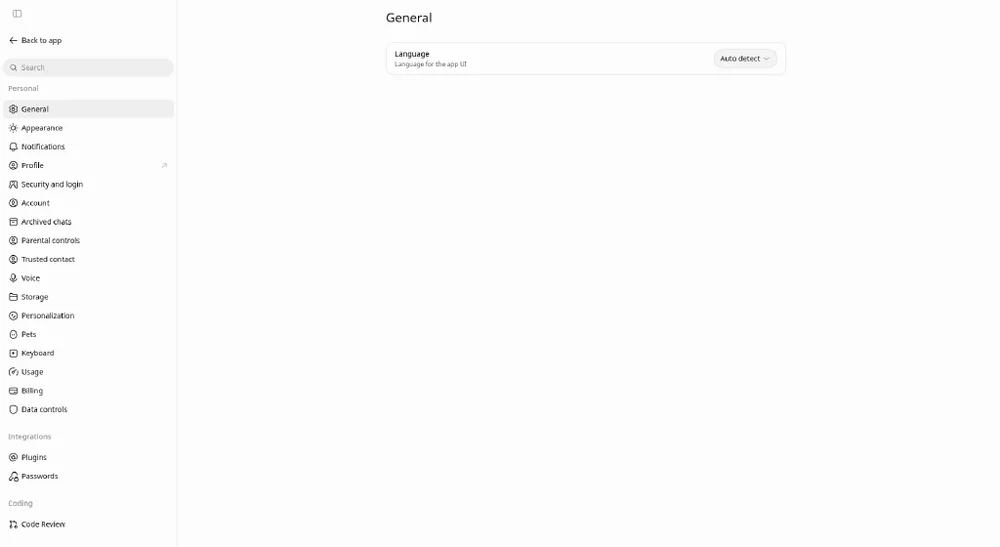
- Web or desktop: Settings → Personalization, make sure Enable customization is on, then type in the Custom Instructions field.
- iOS or Android: Settings → Customize ChatGPT, turn on Enable customization, then add your instructions.
- For memory: Settings → Personalization → Memory to see the controls available on your account.
- In a chat you can say “Remember that…”, ask “What do you remember about me?”, or say “Forget that.”
- Review what's saved from time to time and delete what you no longer want used.
Try it: example prompts
- Custom instructions
I'm a small-business owner in Canada. Use plain English, Canadian spelling and short paragraphs. When I ask for a plan, give a checklist first.
- Memory
Remember that my store is closed on Mondays and my busiest season is December.
Good to know
- Use custom instructions for stable preferences and the chat itself for the task at hand.
- Turning off Memory doesn't delete past chats, and deleting a chat doesn't erase memories made from it; delete the memory itself.
- OpenAI says information from custom instructions is also used to improve model performance unless you opt out in Data controls.
- Memory features vary by plan, region and platform; if a setting isn't visible, it may not be available to you yet.
Sources (official pages, read Oct 27, 2026)
Written from the vendor's official documentation; we don't run hands-on tests. Menus and features vary by plan, country and device.