
Home › CapCut tutorial for beginners
CapCut tutorial for beginners
Last checked
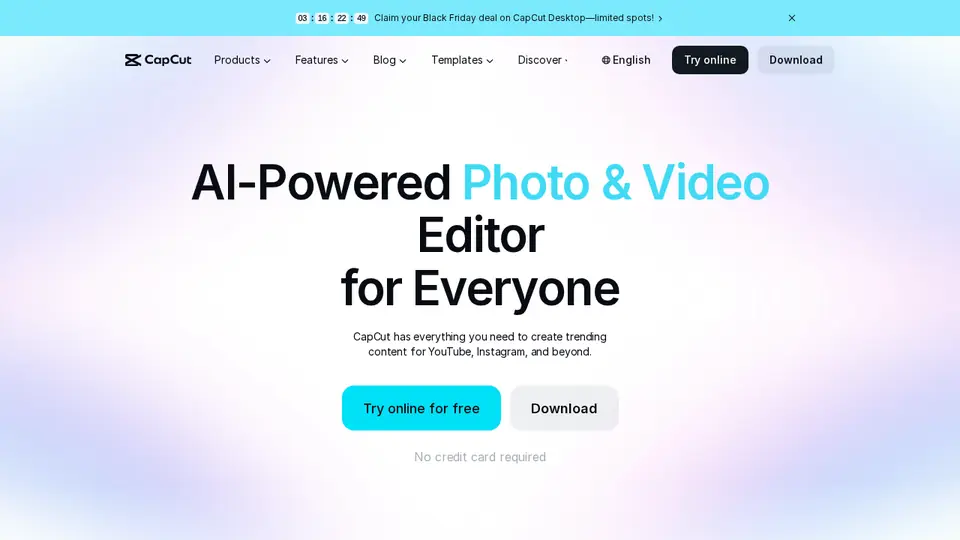
CapCut is a video editor for phone, desktop and web, with templates, auto-captions and AI video generation on credit-based paid plans. It suits short social videos.
CapCut features and prices · Cost calculator · All tutorials
Get started
- Install CapCut on your phone or computer, or open CapCut Web, and log in.
- Start a new project and import your clips, or pick a template (template search is on Mobile and Web, not Desktop).
- Trim and arrange clips on the timeline, then add text, music and captions.
- Preview, then export the whole video, or a part of it using In and Out markers.
Free plan, paid plans and prices (US$)
- Free: Free. Free templates and basic editing tools (source, checked Nov 5, 2026)
- Pro: US$19.99/mo or US$179.99/yr (reference price). 1,200 AI credits/mo, premium templates and features, 1 TB storage. CapCut says displayed prices are for reference only; sign in for final pricing (source, checked Nov 5, 2026)
- Ultra: US$79/mo or US$900/yr (reference price). 8,645 AI credits/mo, exclusive AI features, 1 TB storage (reference price) (source, checked Nov 5, 2026)
- Teams: See official site. Per-seat plan with brand kit; the page shows inconsistent per-seat prices by team size (source, checked Nov 5, 2026)
Prices from the vendor's official pages on the dates shown; before tax and subject to change. Add up seats and plans with the cost calculator.
Your first 5 tasks, with example prompts
- Add captions automatically
Import a talking-head clip and use auto-captions, then proofread every line before export.
Auto-captions are listed among CapCut's features. - Add an AI voiceover to an ad
Write a 20-second script: “Fresh bread every morning at Rosa's Bakery, open 7 to 3, Main Street.” Generate the voice, then caption it.
CapCut's help suggests writing and checking the script before generating the voice. - Start from a template
Search templates for “recipe reel” (Mobile or Web), swap in your clips and change the text.
Free includes templates and basic editing tools. - Generate a short AI clip
Describe a 5-second clip: “slow pan across a steaming cup of coffee on a rainy window sill”.
AI video generation uses credits; Pro includes 1,200 AI credits a month. - Export just one part
Set In and Out markers around the best 15 seconds and export only that range.
Settings worth changing
- Review privacy and account settings and device permissions; CapCut says there is no “private account” feature.
- Subscriptions auto-renew: cancel at least 24 hours before the renewal date if you don't want the next cycle.
Common beginner mistakes
- Assuming the listed price is final: CapCut says displayed prices are for reference; the final price shows at checkout and can vary by region, platform and tax.
- Forgetting to proofread auto-captions and AI voice scripts before posting.
- Uploading footage you don't have rights to (music, other people's faces or voices).
Privacy notes
- CapCut's own help says to avoid uploading sensitive personal information, confidential work or school files, IDs, financial or medical information, and other people's faces or voices without permission.
- Review AI-generated content for accuracy and rights before you share it.
- Use only official CapCut apps and websites, not modified versions.
More detail: Is my data safe?
When to pick another tool
- Need AI-generated video from text more than editing? See Best AI tools for images and video.
- Making graphics and posts too? See Canva AI for beginners.
Tasks where CapCut is listed: Edit a video with AI · Short-form video generation · Short video clip · Video script · Social post batch.
Sources (official pages)
- CapCut Help Center
- CapCut Help: AI features
- CapCut Help: Is CapCut AI safe to use?
- CapCut Help: Is CapCut safe to use?
- CapCut pricing
Written from the vendor's official documentation and pricing pages; we don't run hands-on tests. Features vary by plan, country and device.